Interior Rendering
Camera-ready views showing materials, furniture, lighting and spatial composition.
3D visualization turns drawings and ideas into a view that clients, stakeholders and production teams can understand quickly. We create rendered stills and walkthrough-style presentations for interiors, exteriors, exhibition concepts, event environments and architectural spaces.
3D visualization turns drawings and ideas into a view that clients, stakeholders and production teams can understand quickly. We create rendered stills and walkthrough-style presentations for interiors, exteriors, exhibition concepts, event environments and architectural spaces.
Focused services, organized around the project rather than a one-size-fits-all package.
Camera-ready views showing materials, furniture, lighting and spatial composition.
Building façades, entrances, landscape context and architectural presentation views.
Camera movement through designed spaces for presentations, approvals and marketing.
Large-format stages, halls, experience areas and branded environments visualized at realistic scale.
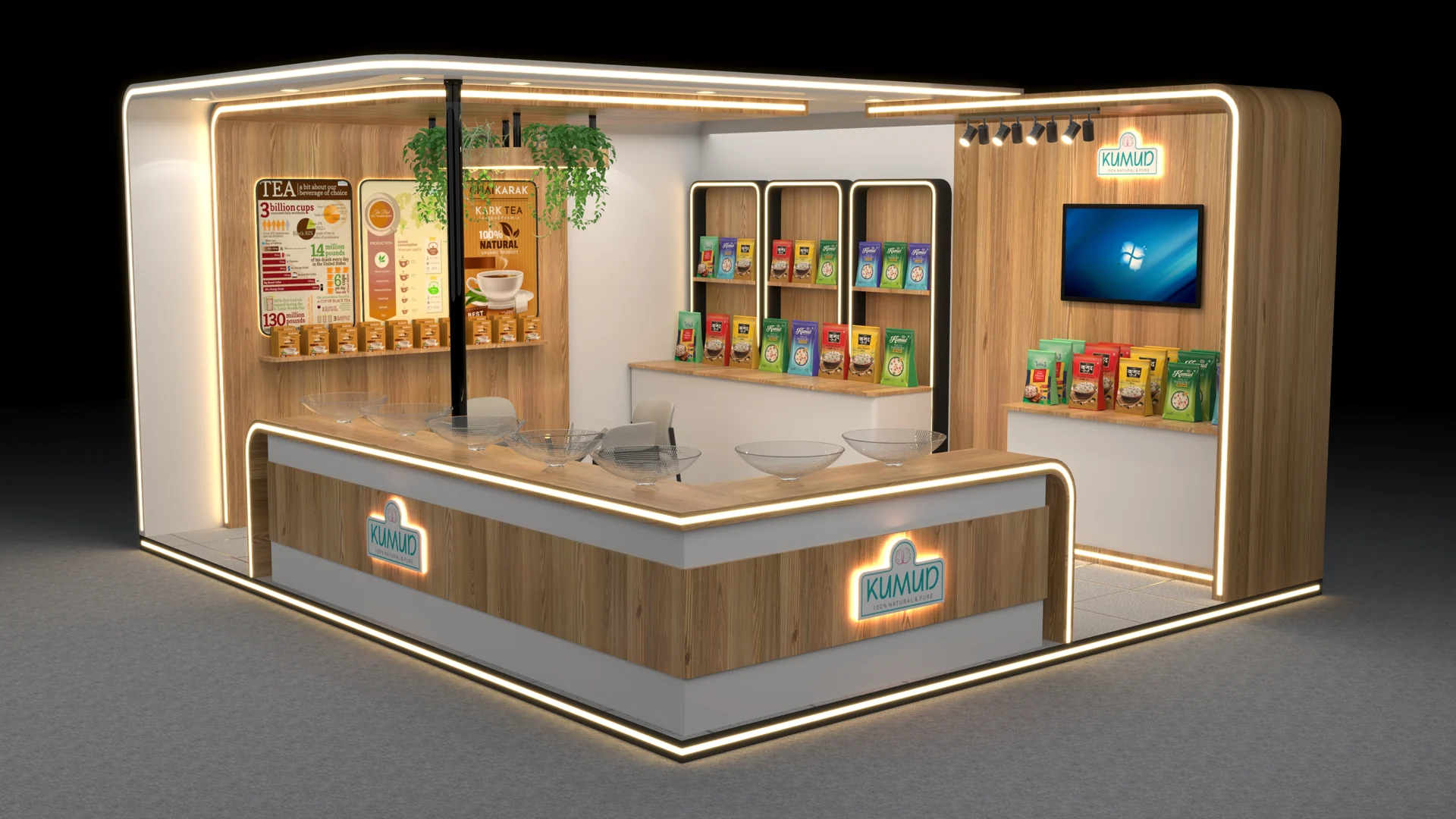
Stalls and booths presented from multiple viewpoints before fabrication.
Roads, landscaping, context, props and surrounding elements added to improve realism and understanding.
CAD, PDF, sketches, 3D files, references and material preferences are reviewed.
Geometry, scale, materials, lighting and environment are organized.
Still images establish the approved visual direction.
Camera path and sequence are developed for walkthrough delivery.
Depending on the project, CAD drawings, PDFs, sketches, dimensions, 3D models, reference images and brand files can be used.
Yes. Projects can include high-resolution still images, walkthrough animation or both.
Yes. Exhibition and event visualization are part of the studio’s regular design work.
Yes. Hospitality interiors, façades and surrounding environments can be developed as visualization projects when plans and references are available.
Share your dimensions, brief, reference files or event details and we’ll start with the right design direction.


